
A catalogue their own staff can change, and an enquiry that reaches sales by itself
The client depended on a third-party provider for every update to their product catalogue. They wanted a website they could manage themselves, including which products appear on the homepage, plus a built-in way for prospective buyers to get in touch.
A public website built around a searchable, filterable product catalogue, organised into categories that can nest to any depth, with a downloadable brochure on each product. Behind it, a password-protected console where non-technical staff add, edit, re-organise and feature products without a developer and without a deploy. A contact form captures buyer enquiries and emails them straight to the business inbox.
The client's full equipment range is now browsable by buyers at any hour, and every enquiry reaches sales automatically, with nobody touching a spreadsheet, a PDF catalogue, or a code deploy to keep the site current.
Live now, recently delivered, under an ongoing monthly retainer.
- 23
- Category nodes
- Any
- Nesting depth
- 4
- Public pages
- 12
- API endpoints
The screens below are the client's live site.

Staff sign in
A password-protected console, separate from the public site.
The category tree
Categories nested to any depth, created, renamed and reorganised by the client's own staff as the product range changes.
A product is added
Name, brand, image, an optional brochure PDF and a formatted description.
Files are made to fitAutomatic
A phone photo is compressed in the browser before upload. An oversized brochure has its embedded images re-encoded in stages until it fits, leaving text and vector graphics untouched.
Live immediatelyAutomatic
What an admin saves is on the public site. No publish step, no deploy, no request to anybody.
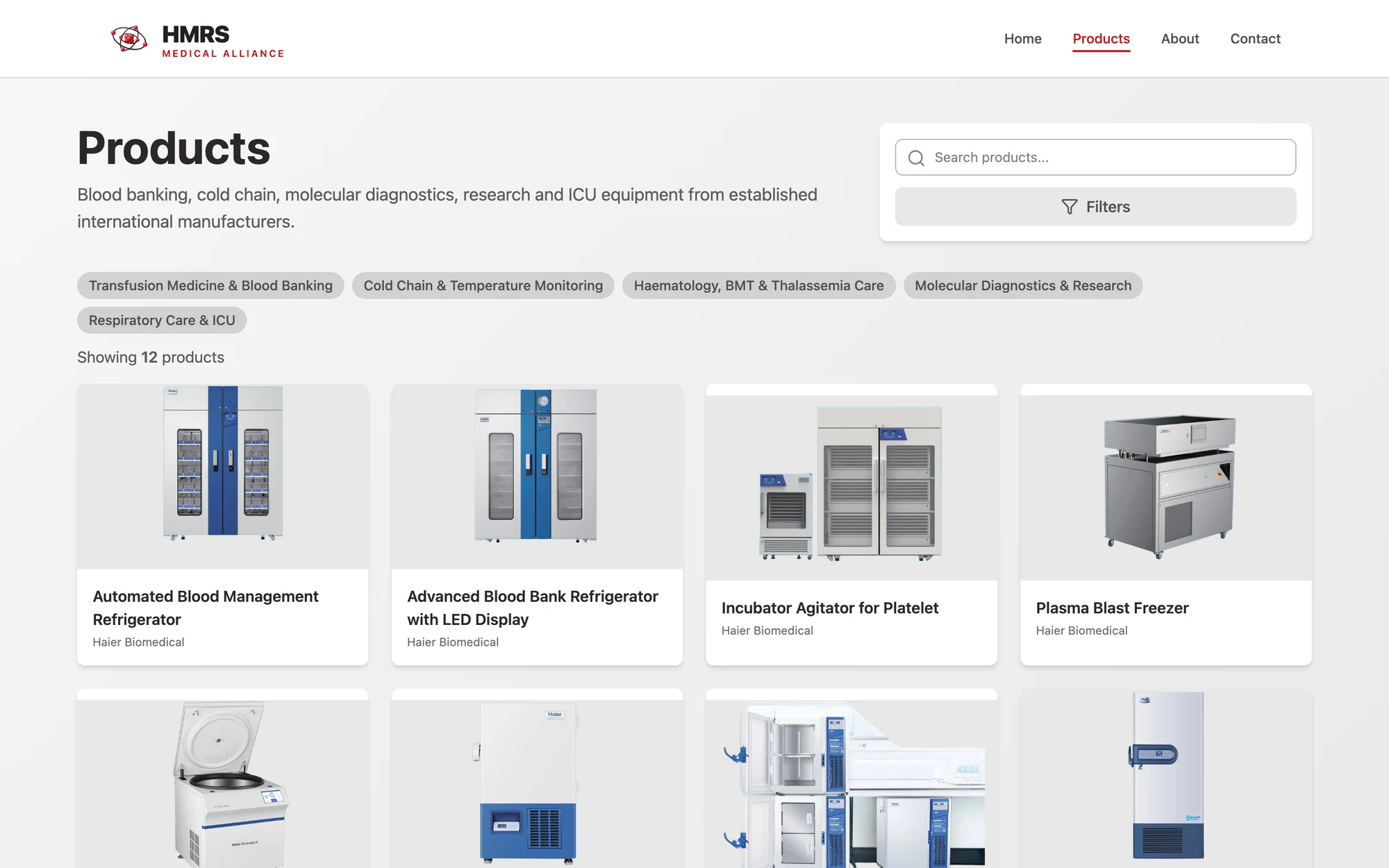
The catalogue as a buyer sees it, with free-text search and the category tree rendered as filters. A buyer narrows it down
Search by name, or filter by category and subcategory. The filters are generated from the same tree the staff maintain, so adding a category adds a filter.
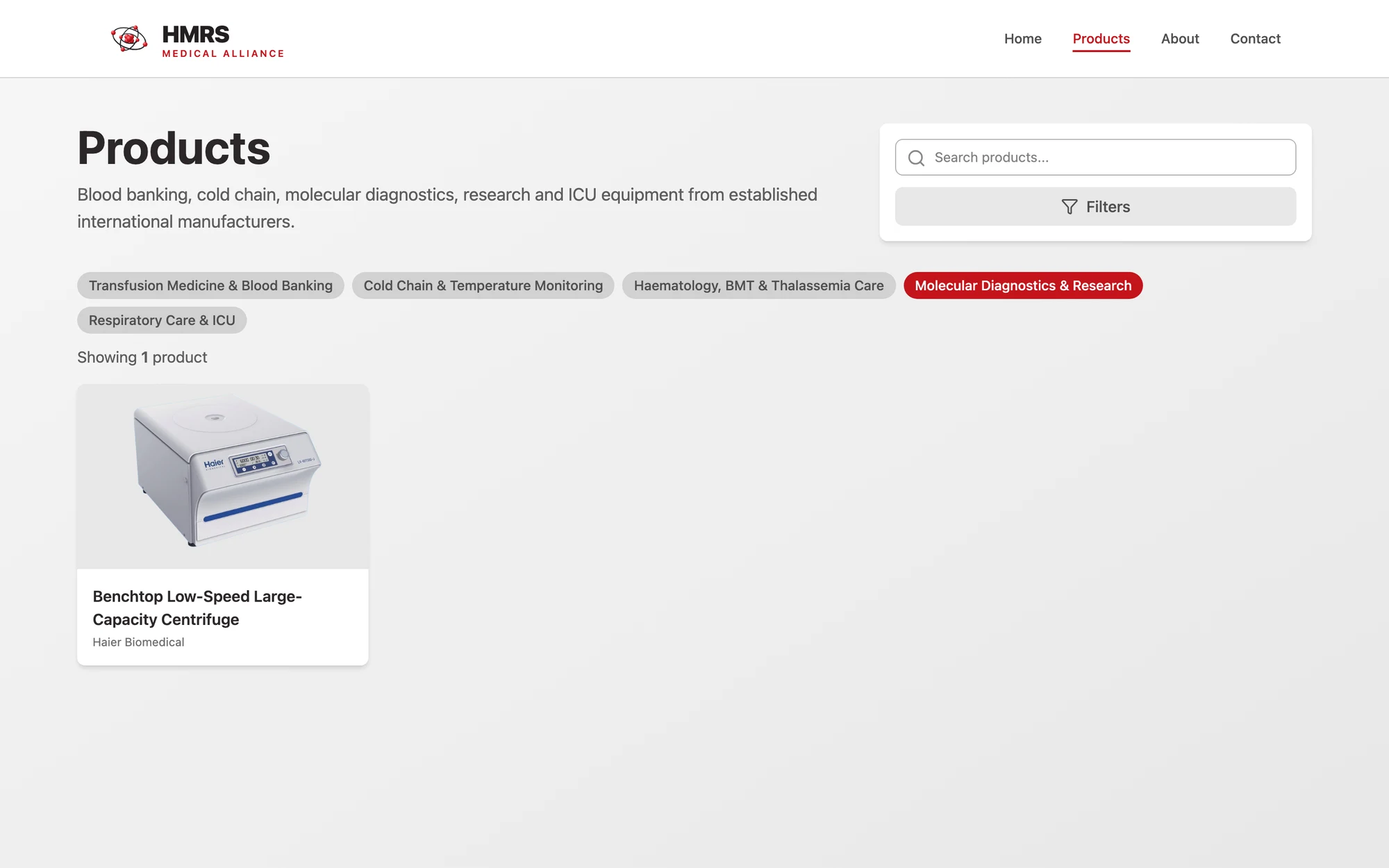
Filtering by category. Nothing here is hand-maintained: the chips come straight from the structure staff built in the console. A buyer enquires
They open a product for the full description and download the brochure, and the contact form lands in the sales inbox as a formatted, on-brand email.
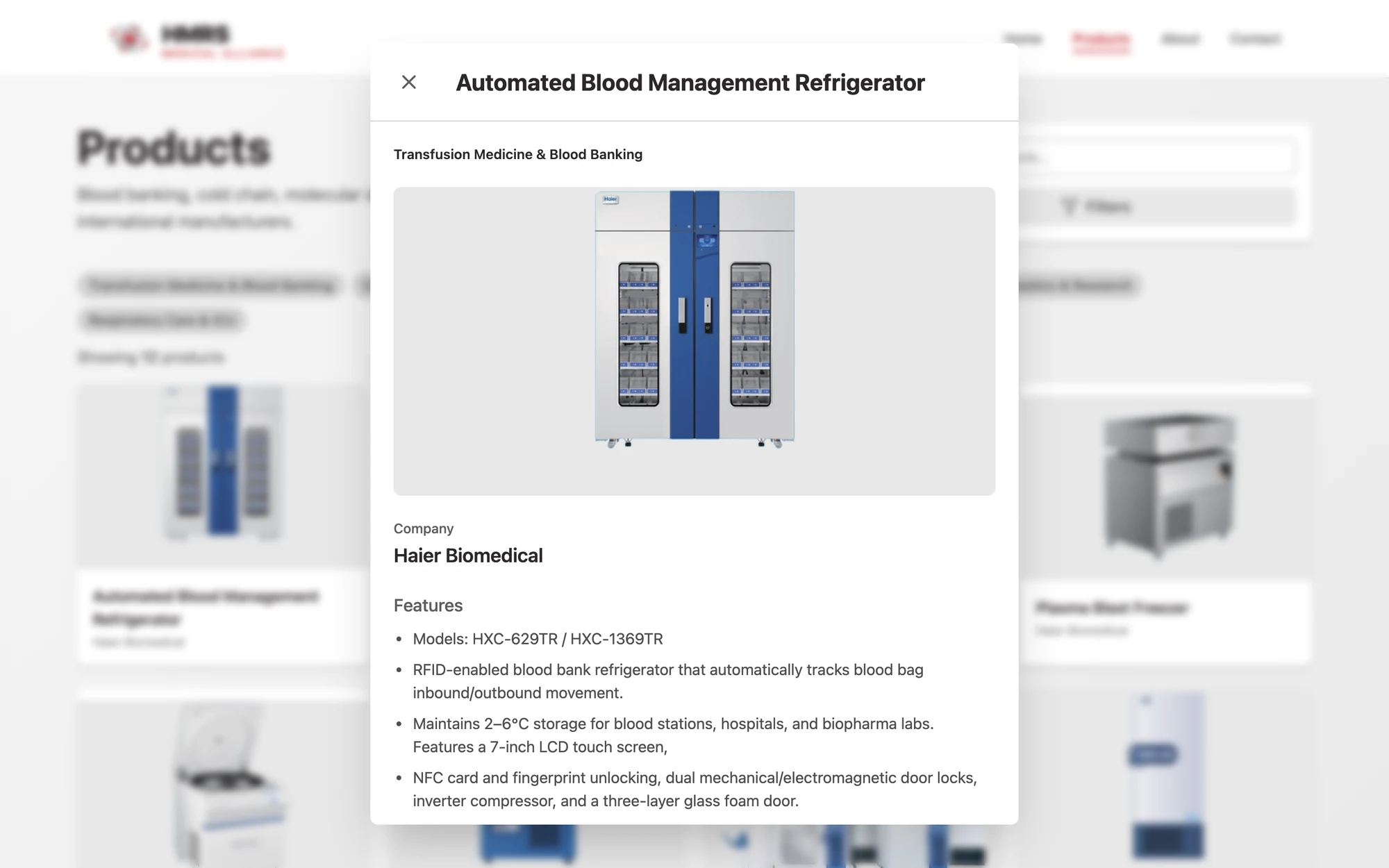
The product detail view: category, image, brand, description and the brochure, all entered by staff through the console.
What the system will not let happen
The category tree cannot be broken by accident
Deleting a category that still has subcategories or products under it is blocked, with a message naming exactly what is still attached.
Uploads fail loudly, not silently
If a brochure still will not fit after compression, the admin gets a clear error rather than a silent failure. Brochures are verified as real PDFs on the server, not trusted from the browser.
The homepage stays focused
Featured products are capped at five.
Discoverability is built in, not bolted on
Per-page metadata, link previews, structured data and a generated sitemap ship with the site rather than being added later.
- Routine changes no longer go through anybody else. The categories, the products, the images, the brochures and what appears on the homepage are all edited by the client's own staff.
- Buyers research the range themselves, at any hour, and download the spec sheet without having to ask for it first.
- Every enquiry arrives in the inbox already formatted, with nobody watching a database.
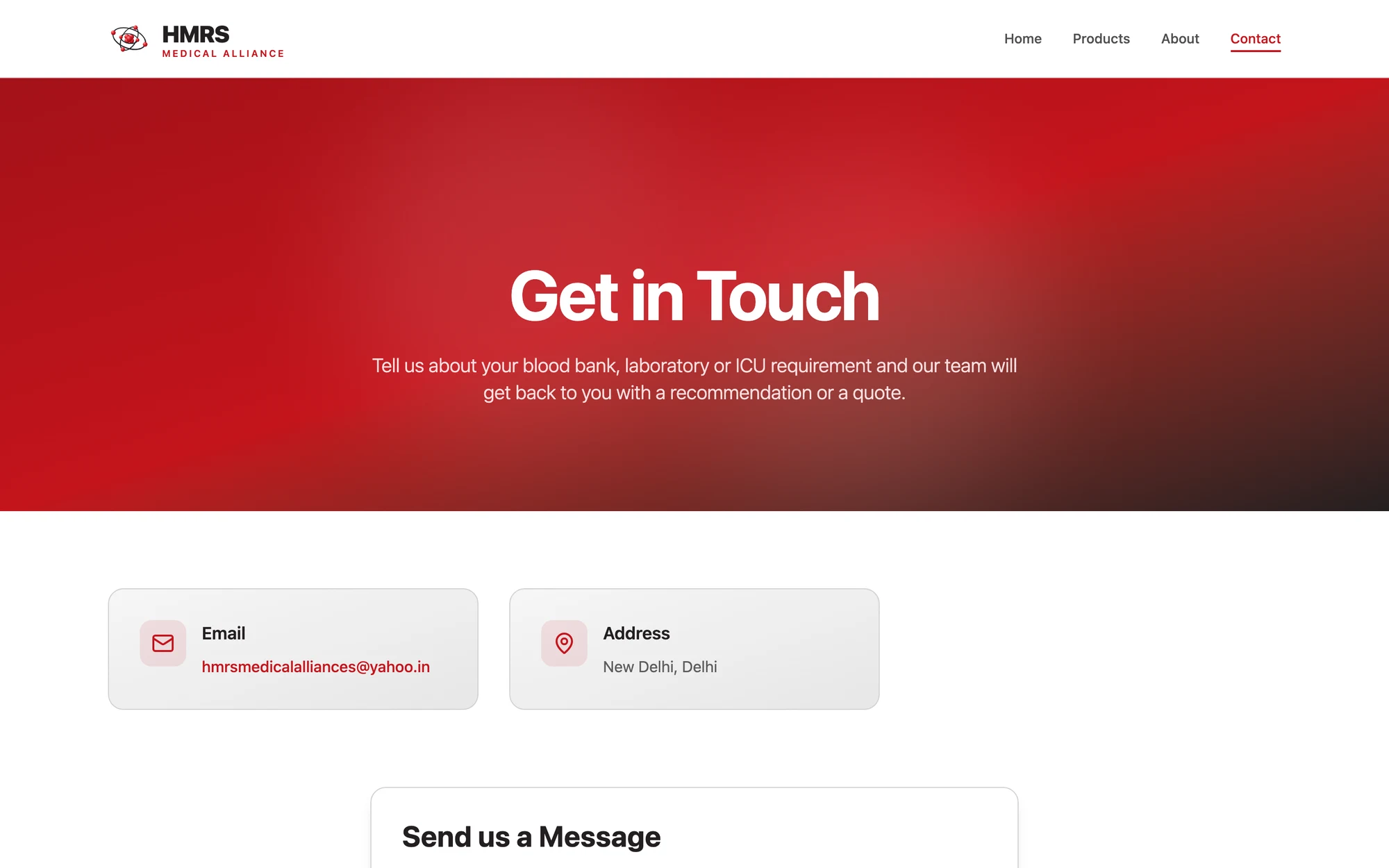
Company pages and the enquiry route
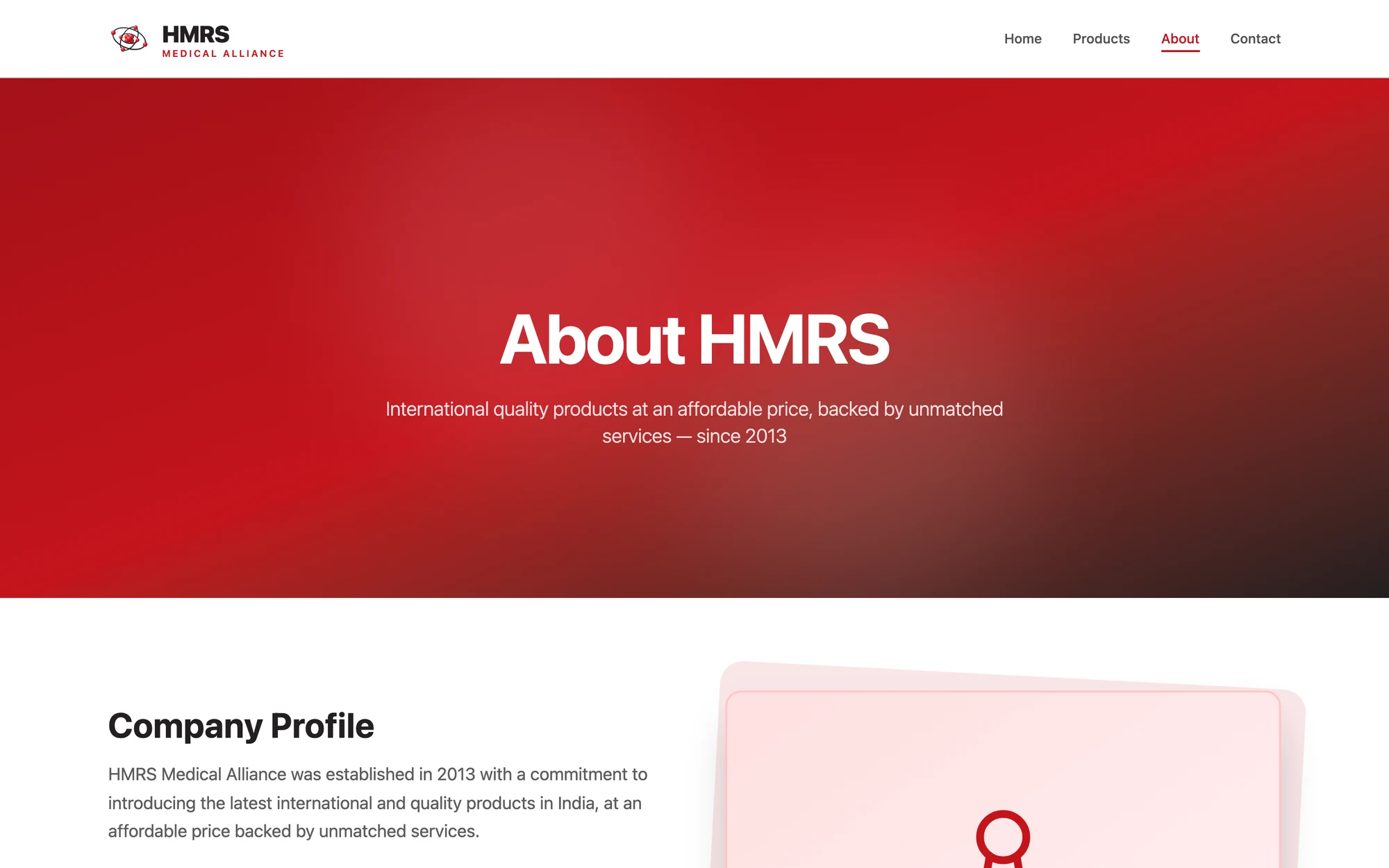
Four public pages in total. The contact form is the handoff point from software back to people: it formats the enquiry and emails it to the business inbox, so nothing depends on anyone watching a database.
Recognise your own process in this?
A 30-minute call is enough for us to tell you whether it's an automation, an ERP module, or a problem you shouldn't spend money on yet.